Tighten, clarify or restyle any text — without losing meaning
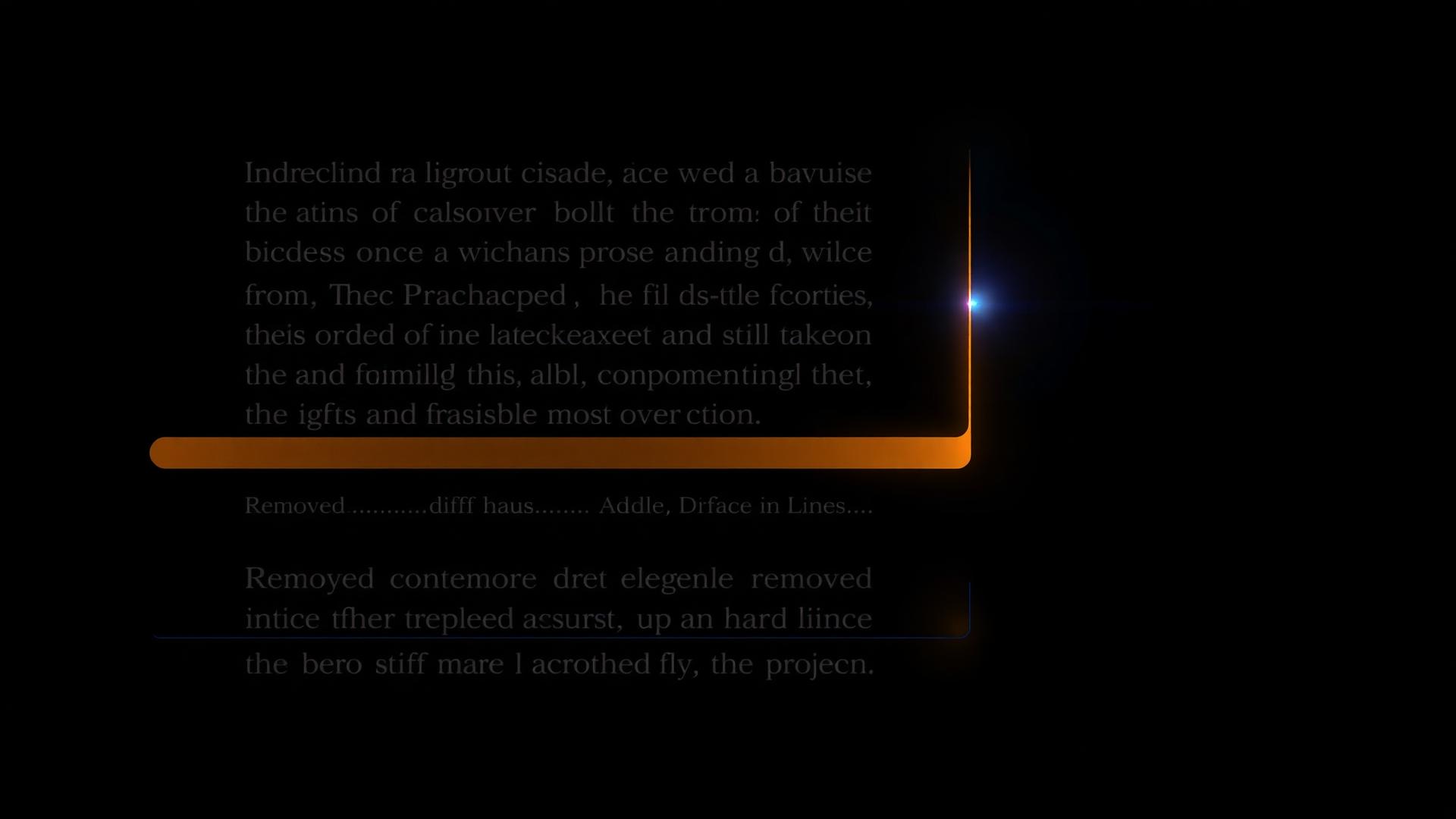
Rewrite operates on a selection or a whole node, with controls for tone, length and audience. Keeps your voice, drops the fluff, and lands every change as an inline diff you can accept or reject.
Built for
What it is
An AI rewrite that runs on a text selection or a whole node, with controls for tone, length and target audience. Every change arrives as a diff you can accept, edit or reject.
Why it matters
Copy quality is the difference between strategy that lands and strategy that gets ignored. Rewrite keeps the substance, sharpens the surface.
How teams use it
Marketing teams polish positioning lines for campaigns. Agencies adapt language per client voice. Founders sound senior, fast, without hiring a copywriter.
What's inside
Every capability, in one connected surface.
Selection or full node
Highlight a sentence to rewrite just that, or run on the whole node for a full polish pass.
Tone presets
Switch between confident, warm, expert and conversational — without retyping the prompt.
Length controls
Tighten by 50%, expand for more nuance, or hold length while sharpening the words.
Inline diff
Removed and added text appear in-place. Accept all, accept some, reject — keystroke-fast.
Voice-aware
Reads your brand voice rules from the Brand Hub before rewriting. Output stays on-voice.
Multi-language ready
Rewrite in the project's output language — same controls, every supported language.
How it works
From a blank page to a living strategy in four steps.
Select text
Highlight a sentence or open a full node. Rewrite works at any scope.
Pick tone and length
Choose a tone preset and a length target. Or just hit Rewrite for a default polish.
Review the diff
The proposed change appears inline. See exactly what's removed and what's added.
Accept or iterate
Accept the rewrite, edit it inline, or run again with sharper instructions.
Who it's for
Different roles, same source of truth.
Polish positioning lines, value props and campaign messaging without losing strategic intent.
Adapt language across client voices. House style stays consistent, client voice stays distinct.
Sound senior, fast. Investor-ready copy without a copywriter on retainer.
Enforce voice rules at the rewrite layer. New writers ship on-brand from day one.
FAQ
Common questions.
How is Rewrite different from Modify?+
Rewrite changes how something is said. Modify changes what is said. Use Rewrite for tone and clarity, Modify for substance changes.
Does it know my brand voice?+
Yes. Rewrite reads your Brand Hub voice rules and applies them automatically — no need to re-prompt every time.
Can I rewrite just a sentence?+
Yes. Highlight any text and run Rewrite on the selection. The rest of the node stays untouched.
What if I don't like the rewrite?+
Reject it. The original text stays. Or run Rewrite again with a sharper prompt — nothing locks in until you accept.
See Tighten, clarify or restyle any text — without losing meaning in action
Open a real, published Klearyon strategy and explore the workspace end to end.