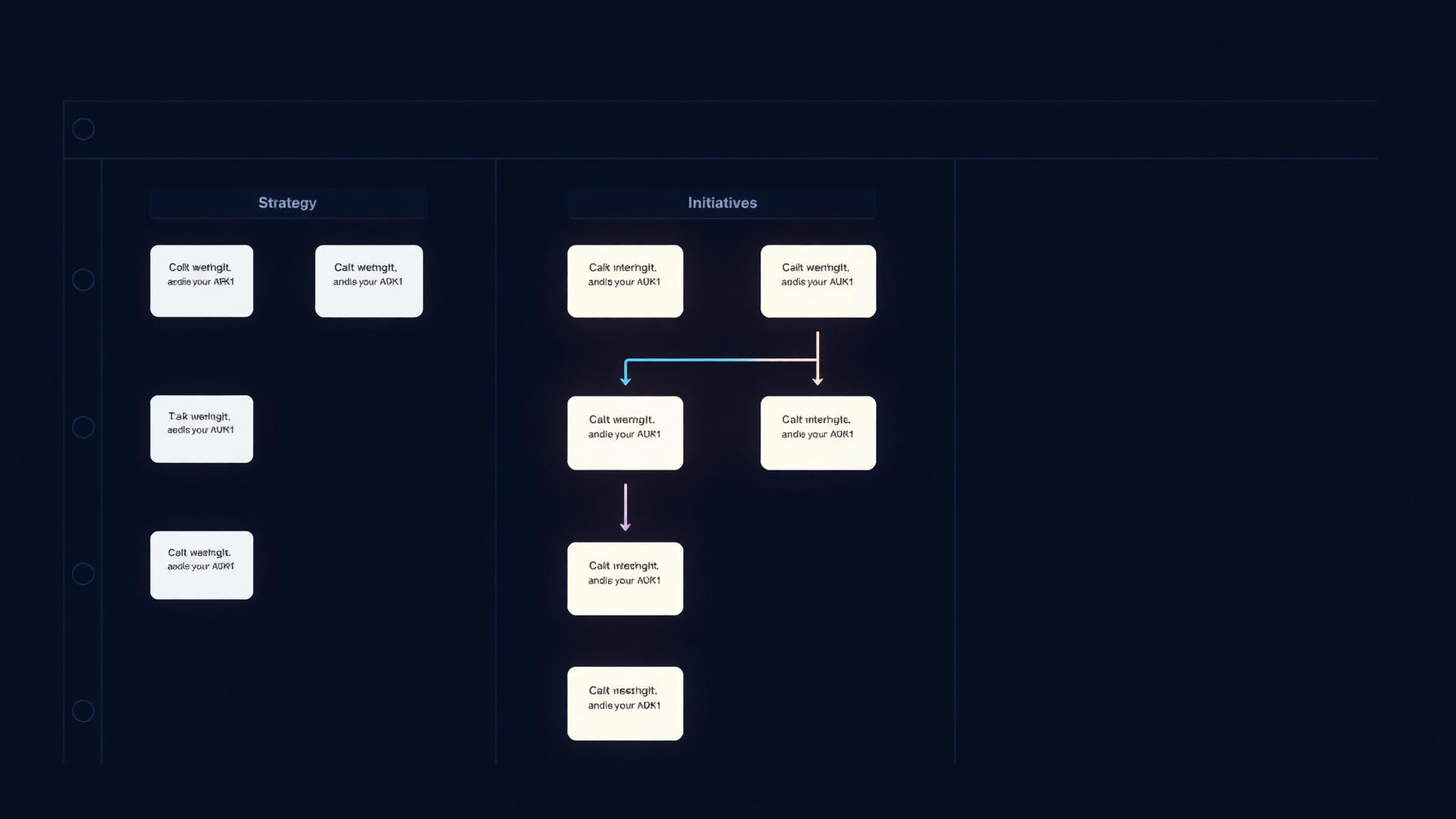
Strategy converted into work your team can actually ship
An AI-powered Kanban that reads your 40+ strategy nodes and proposes Themes, Initiatives and Tasks — grounded in the same context. Six status columns, six core themes, and a ✨ Fill with AI on every empty initiative.
Built for
What it is
A Kanban execution layer where AI reads your strategy and proposes initiatives grouped by theme. New projects auto-populate with 5 core themes and 7 initiatives each. Any empty initiative can be filled with AI to generate goals, metrics and tasks.
Why it matters
Strategy without execution is theatre. Plan Execution closes the loop between thinking and doing — every initiative inherits the context of the nodes that produced it.
How teams use it
Marketing teams run it as the quarterly plan. Founders run it as the company OS. Agencies run it as the client roadmap with links, comments and attachments per initiative.
What's inside
Every capability, in one connected surface.
Theme → Initiative → Task
Three-level hierarchy that maps strategy to weekly work — themes are bets, initiatives are projects, tasks are the next move.
✨ Fill with AI
Click any empty initiative — AI generates goals, success metrics and a starting task list from your strategy nodes.
Six status columns
Backlog, Now, Next, In progress, Blocked, Done — every initiative has a clear state, no spreadsheets needed.
Grounded in strategy
Initiatives reference the nodes that justify them. Open any card and see the source of truth behind the work.
Links, comments, files
Attach Figma links, Loom walkthroughs, briefs and uploads to any initiative. Conversation stays where the work lives.
Pre-seeded template
Every new project ships with 5 themes and 35 starter initiatives — informed by 90+ frameworks. Skip the blank canvas.
How it works
From a blank page to a living strategy in four steps.
Generate your strategy
Once your Strategy Hub is populated, Plan Execution has the context it needs to propose meaningful work — not generic tasks.
Open the Execute tab
Ctrl+4 jumps you to the Kanban board, pre-seeded with 5 themes and 35 initiatives tied to your strategy.
Fill initiatives with AI
For any empty initiative, click ✨ Fill with AI to generate goals, metrics and a starter task list grounded in your nodes.
Move work across columns
Drag initiatives through the 6-status flow. Add owners, dates, links and comments — execute in the same workspace as strategy.
Who it's for
Different roles, same source of truth.
Run the quarterly plan as a single board. Every initiative is traceable to the strategy node that justifies it.
Operate the company OS from one place — bets, projects and tasks all ladder up to the live strategy.
Run client roadmaps with links, comments and attachments per initiative — clients see live progress, not status decks.
Tie bets and experiments to positioning. Engineering work inherits the 'why' from the strategy layer.
FAQ
Common questions.
Do I have to start from scratch?+
No. New projects ship with 5 core themes and 7 initiatives each — a real starting plan, not an empty board.
How does ✨ Fill with AI work?+
AI reads your strategy nodes and the initiative title, then proposes goals, success metrics and a first task list. You review and edit before keeping anything.
Can I link to external tools?+
Yes. Each initiative accepts external links, comments and file attachments — Figma, Loom, Docs, briefs, anything.
Does it replace Jira or Linear?+
It replaces strategy-to-execution alignment, not engineering ticketing. Many teams run both — Plan Execution for the bet layer, Jira/Linear for the build layer.
See Strategy converted into work your team can actually ship in action
Open a real, published Klearyon strategy and explore the workspace end to end.