From a paragraph of brief to a narrated brand story in minutes
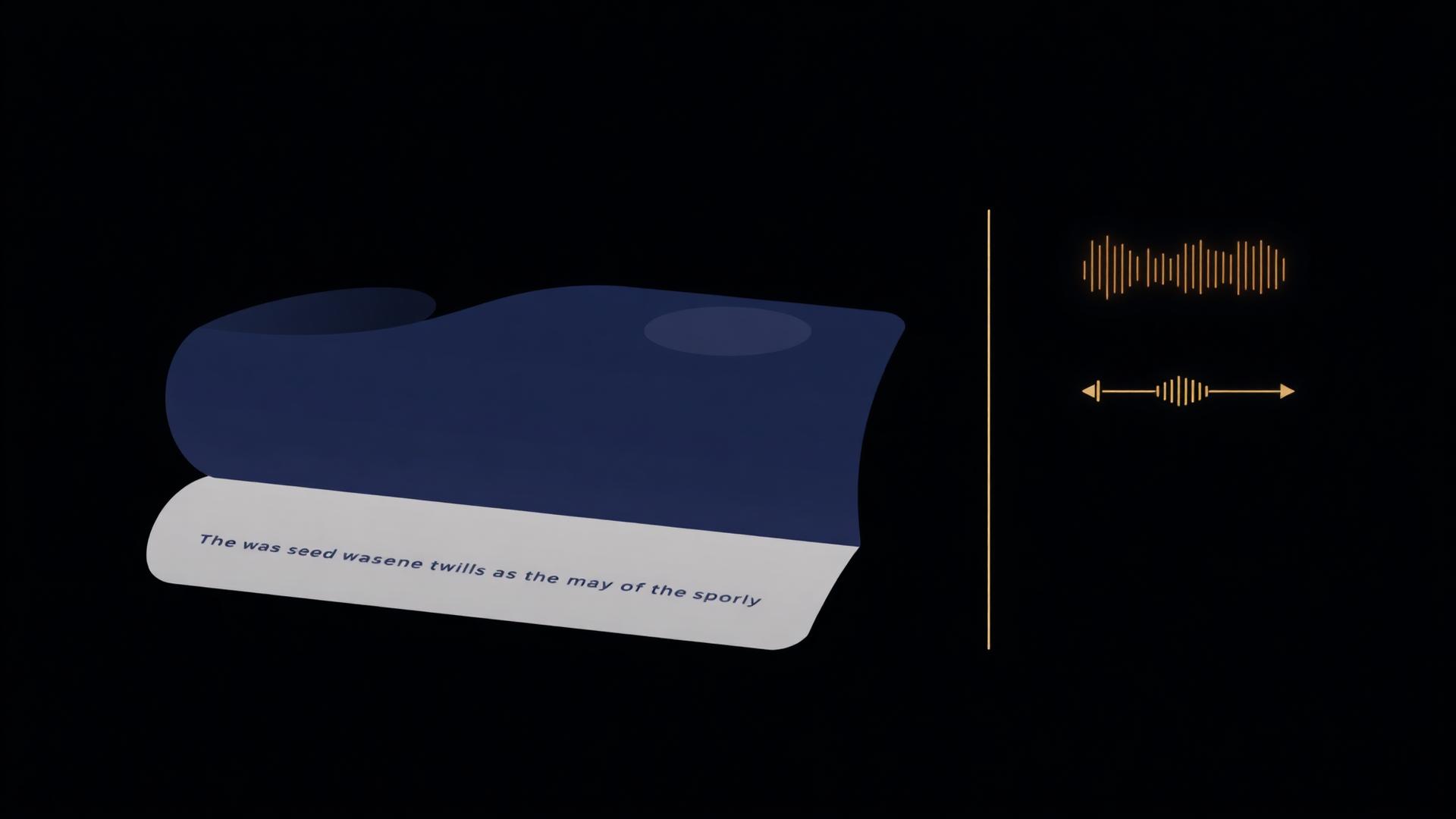
An auto-scrolling narrative readout that walks any reader through your brand — origin, audience, positioning, messaging — with optional AI voice narration and a right-rail navigation map.
Built for
What it is
A scrollable, conversational readout generated from your strategy nodes. Optional OpenAI voice narration plays the story aloud, with a right-rail nav so any reader can jump section to section.
Why it matters
New hires, investors and partners absorb a strategy in minutes — instead of skimming a 60-page deck that never gets read past slide 8. The story lands the same way every time.
How teams use it
Founders use it for investor intros. Agencies use it as a leave-behind that updates itself. In-house teams use it for week-one onboarding so new joiners arrive aligned.
What's inside
Every capability, in one connected surface.
Auto-scrolling narrative
A single, conversational readout that walks readers through the brand — no slide-clicking, no PDFs.
AI voice narration
Optional OpenAI voice that plays the story aloud. Audio is cached per project so playback is instant on repeat visits.
Right-rail navigation
A persistent rail mirrors the narrative — readers jump to any section without losing context.
Lives with your strategy
Edit a node in the Hub and the Onboard regenerates the affected section. The story is never out of date.
Published like a website
Each project gets a distinct /onboard public link on klearyon.com, with optional password protection.
Multi-language ready
Translate the narrative into the project's output language — narration follows the chosen language too.
How it works
From a blank page to a living strategy in four steps.
Describe the business
One paragraph or a URL. The same intake that powers Strategy Hub also seeds the narrative.
Generate the story
Klearyon stitches your strategy nodes into a conversational readout — origin, audience, positioning, messaging — with a right-rail map.
Add voice narration
Turn on AI voice narration and the story plays itself. Audio is cached so repeat visits start instantly.
Share the link
Send the /onboard URL to a new hire, investor or partner. They absorb the brand in minutes.
Who it's for
Different roles, same source of truth.
Use it as the investor intro — a five-minute narrated brand story beats a 60-slide deck every time.
Hand it to clients as a leave-behind that updates itself whenever strategy changes.
Week-one onboarding for new joiners — same story, same depth, every time, with no live walkthrough required.
A canonical brand intro for freelancers, contractors and new agency partners — no more 'send me the brief' loops.
FAQ
Common questions.
Do readers need an account?+
No. The /onboard link is public (optionally password-protected) and works in any browser.
Can I customize the narration voice?+
Voice is generated via OpenAI TTS and cached per project. Voice selection follows the project's output language settings.
Does it update automatically?+
Yes. When you edit a node in the Strategy Hub, the Onboard regenerates the affected narrative section.
Can I publish on my own domain?+
All published links use the klearyon.com custom domain. Custom-domain publishing is on the roadmap.
See From a paragraph of brief to a narrated brand story in minutes in action
Open a real, published Klearyon strategy and explore the workspace end to end.